Introduction: Why I Started Looking for Graphic Design Courses Online
Back when I first decided to break into design, I typed ‘graphic design courses online’ into Google and instantly felt overwhelmed. Hundreds of options. Free courses, paid courses, Adobe courses, Google certification programs, YouTube playlists — all promising to make me a professional designer. It was a lot. So I did what any stubborn learner would do: I started testing them myself.
Over the past few years, I’ve gone through more graphic design courses than I care to admit. Some were genuinely excellent. Some were a complete waste of time. And a few were hidden gems most people never discover. I’m writing this guide so you don’t have to make the same expensive and time-consuming mistakes I did.
Whether you’re a total beginner trying to learn design fundamentals, a student hunting for free graphic design courses, a freelancer wanting to sharpen your Adobe skills, or a professional planning a career switch — this guide covers everything. I’ll break down the best options by skill level, budget, and career goal.
By the time you finish reading, you’ll know exactly which course is right for where you are right now.
What to Look for in a Graphic Design Course Online
Before I recommend any course to anyone, I ask three questions: What do you want to create? How much time can you commit each week? And what’s your budget? Those three answers completely change which option makes sense. Most people skip this step entirely — and end up wasting money on the wrong thing.
Here’s what actually matters when evaluating an online graphic design class:
1. Curriculum Depth and Real Design Thinking
A strong graphic design course online doesn’t just teach you how to click buttons in Photoshop. It teaches you design thinking — color theory, typography, visual hierarchy, layout principles, and composition. Without that foundation, you’ll know the tools but struggle to make anything that genuinely looks good.
Look for courses that include: design fundamentals, project-based learning, real-world creative briefs, and some form of feedback. Those are the four pillars of a curriculum worth your time.
2. Instructor Credibility and Real-World Experience
I always research whether the instructor is an actual working designer or just a content creator. The best instructors I’ve found are professionals who design brand identities, packaging, digital products, and campaigns for real clients. Their examples come from real projects. Their advice is grounded in actual practice. That distinction makes an enormous difference in the quality of what you learn.
3. Software Coverage That Matches Your Goals
The most common tools taught across design courses are Adobe Illustrator, Photoshop, InDesign, Canva, and Figma. The right combination depends entirely on your direction. Going into print? Learn InDesign. Aiming for UI or web design? Figma is essential. Creating social media graphics and content? Start with Canva. Building a general skillset? Illustrator is the most versatile starting point.
4. Certificate Value and Industry Recognition
Not every design certificate carries the same weight. A Google-affiliated credential or an Adobe-certified course typically means more to employers and clients than a generic completion badge from an unknown platform. That said, your portfolio will always matter more than any certificate. I’ll revisit this point later because it’s critically important.
5. Community Access and Peer Feedback
Learning design in isolation is genuinely hard. The best courses give you access to active peer communities, group critique sessions, and instructor feedback. When I took my first serious structured course, the peer feedback channel alone was worth more than half the lecture content. Design is a discipline that improves dramatically through outside perspectives.
💡 Pro Tip: Before paying for any graphic design course, always check for a free trial or preview. Coursera, Skillshare, and LinkedIn Learning all offer one. Use it.
Top Graphic Design Courses Online in 2026: My Honest Reviews
I’ve personally completed or thoroughly researched every course below — including deep dives into verified student reviews, curriculum quality, and real career outcomes. Here’s my honest breakdown, organized from best beginner options to advanced programs.
1. Google UX Design Certificate on Coursera — Best for Beginners Entering Digital Design
Yes, this is technically a UX certificate — but the visual design modules are seriously strong. Google’s courses are structured exceptionally well: beginner-friendly pacing, practical projects, and a credential that genuinely resonates with hiring managers. If you want to combine solid design skills with real career outcomes, this is one of the most well-rounded online courses for graphic design you’ll find anywhere.
Duration: ~6 months at 10 hrs/week | Cost: ~$49/month (financial aid available) | Certificate: Yes | Platform: Coursera
Also worth reading: AI in Education: How Machine Learning is Changing How We Learn— a fascinating look at how technology is reshaping online learning for designers.
2. Adobe Graphic Design Course via LinkedIn Learning — Best for Adobe Tool Mastery
If your goal is specifically to master Adobe tools — Illustrator, Photoshop, InDesign — then going directly to Adobe’s learning resources or LinkedIn Learning’s Adobe-certified courses is the smartest move available. These are the most current, up-to-date tutorials for Adobe software, and LinkedIn Learning is often free through public library memberships.
What I appreciate most about this track is how the courses stay current with software updates. When Adobe releases new features, the courses reflect them quickly. For professional software, that kind of freshness genuinely matters.
Duration: 2–40 hours per course | Cost: Free via library / ~$39.99/month (LinkedIn Learning) | Certificate: Yes
3. Canva Design School — Best Free Graphic Designing Course for Beginners
Canva’s own design school is legitimately one of the best free graphic design courses available right now. It covers design principles, Canva-specific workflows, social media content design, presentations, and brand kits — all in short, visual, and highly actionable lessons.
If you’re a small business owner, content creator, blogger, or just getting started with visual content creation, this is exactly where I’d send you first. No cost. No fluff. Just real, applicable design education.
Duration: Self-paced | Cost: Free | Certificate: Basic | Platform: canva.com/learn
4. Graphic Design Specialization (CalArts on Coursera) — Best for Serious Design Education
This is the most academically rigorous graphic design course I’ve encountered outside of a traditional university. California Institute of the Arts covers the full design canon: fundamentals, history, typography, imagemaking, and visual communication strategy. Critically — this is not a software course. It is a design education.
If you want to develop genuine design sensibility rather than just tool proficiency, CalArts is the course. It’s challenging, but the depth of learning is unmatched in the online space.
Duration: ~5 months | Cost: ~$49/month | Certificate: Yes | Platform: Coursera
5. Skillshare — Best for Creative Exploration and Niche Design Topics
Skillshare works differently from traditional course platforms. Rather than structured programs, it’s a library of short, project-based classes taught by working designers. Over the years, I’ve used it to learn hand lettering, poster design, brand identity systems, and motion graphics. The depth of coverage on niche design topics is genuinely unmatched anywhere else.
Duration: Varies per class | Cost: ~$14/month | Certificate: Completion only | Platform: Skillshare
💡 My recommendation: Start with Canva Design School or Skillshare’s free trial if your budget is tight. Once you know your direction, move to CalArts or LinkedIn Learning’s Adobe programs for deeper skill development.
Free Graphic Design Courses: What’s Actually Worth Your Time?
Free courses come up in almost every conversation I have about design education. And yes — there are genuinely excellent free courses of graphic design out there. But there’s also a tremendous amount of low-quality filler that wastes your time and kills your momentum. Let me sort through it for you.
Free Courses That Are Genuinely Excellent
- Canva Design School — Full design fundamentals plus practical workflows, completely free
- Google Digital Garage — Covers visual content, digital marketing design basics, and brand thinking
- Alison Diploma in Graphic Design — Multiple free diploma-level programs with optional paid certificates
- Coursera Audit Mode — Almost every graphic design course on Coursera can be audited for free (no certificate, but full content access)
- MIT OpenCourseWare — Advanced visual design theory and history, free forever
- YouTube: Will Paterson, Satori Graphics, The Futur — Honestly some of the most practical free design education available anywhere online
Free vs Paid: An Honest Comparison
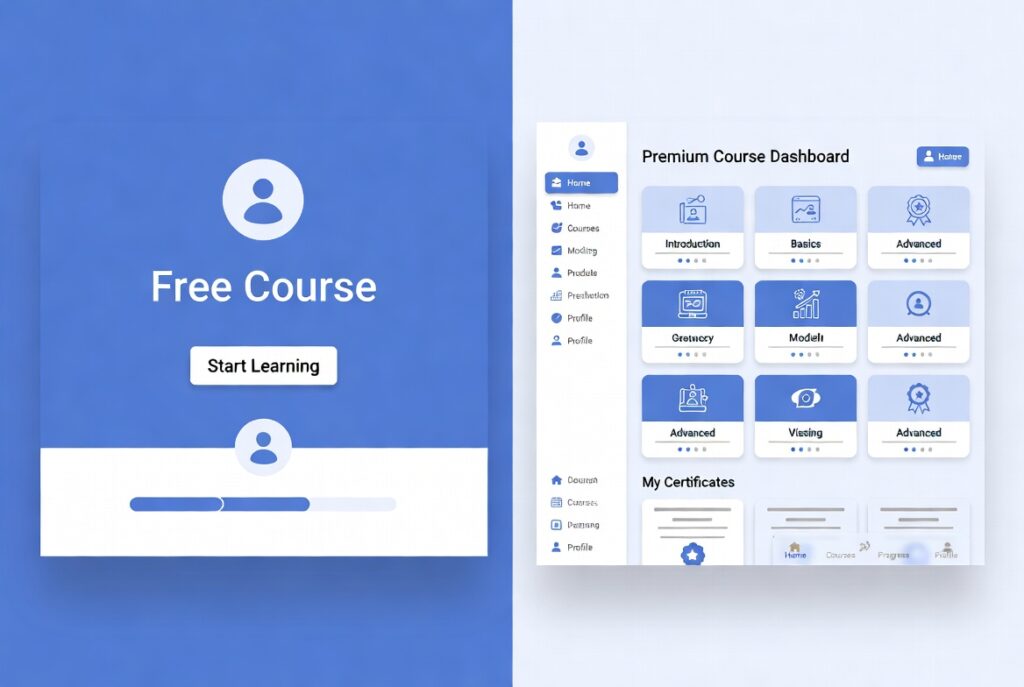
I’ll be direct here: free courses are excellent for exploration and building fundamentals. But if you’re serious about freelancing or a career in design, a paid course with structured projects, mentorship access, and a credible certificate is a worthwhile investment. The ROI on a $50/month subscription that leads to a $2,000 client project is very clear.
| Feature | Free Graphic Design Course | Paid Design Course |
| Design Fundamentals | Available | Available + deeper |
| Software Tutorials | Basic only | Deep, current, updated |
| Real Project Work | Limited | Structured projects |
| Certificate Value | Low / none | Industry-recognized |
| Community & Mentorship | Rare | Typically included |
| Career Support | Not available | Available on premium platforms |
| Cost | Free | $10–$50/month |
Related reading: Top 10 Free AI Tools for Students and Professionals in 2026 — several of these AI tools are directly relevant to modern design workflows.
Beginner vs. Advanced: Which Graphic Design Course Is Right for You?
One of the most consistent mistakes I observe is beginners jumping into advanced courses because they look impressive — and experienced designers sitting through beginner content they don’t need. Here’s how to position yourself correctly from the start.
If You’re a Complete Beginner
Start with fundamentals. Seriously — you don’t need Adobe Photoshop yet. Before touching any software, you need to understand color, contrast, balance, alignment, visual hierarchy, and composition. Once those foundations are in place, every tool you encounter becomes dramatically easier to learn and use effectively.
Here’s the beginner path I personally recommend:
- Canva Design School — free, 1–2 weeks, perfect starting point
- Alison Diploma in Graphic Design — free, 4–6 weeks of design theory
- CalArts Fundamentals of Graphic Design on Coursera — 4–6 weeks, serious foundation
- Build 3 real projects: a logo, a poster, and a social media content kit
- Then choose your software focus: Adobe Illustrator or Figma
If You Have Some Design Experience
At this stage, you probably need to go deeper on one specific discipline rather than broader across many. Typography, branding, UI design, or print production — pick your niche and find a course that specializes in it. Skillshare is particularly strong for this kind of focused, niche skill development.
Also worth exploring at this level: Adobe’s own professional certification programs. An Adobe Certified Professional credential is recognized globally and signals real software expertise to clients and employers.
If You’re an Experienced Designer Upskilling
At this level, structured courses matter less than deliberate practice and exposure. That said, formal learning still serves two critical purposes: learning new tools (Figma for UI, After Effects for motion design, Midjourney for AI-assisted conceptual work) and understanding business strategy — how to pitch clients, price your services, and build a sustainable design business.
Worth reading alongside this: Digital Marketing Courses for Business Owners— understanding marketing fundamentals makes you a far more strategic designer.
Design Tools You’ll Learn in Graphic Design Courses Online
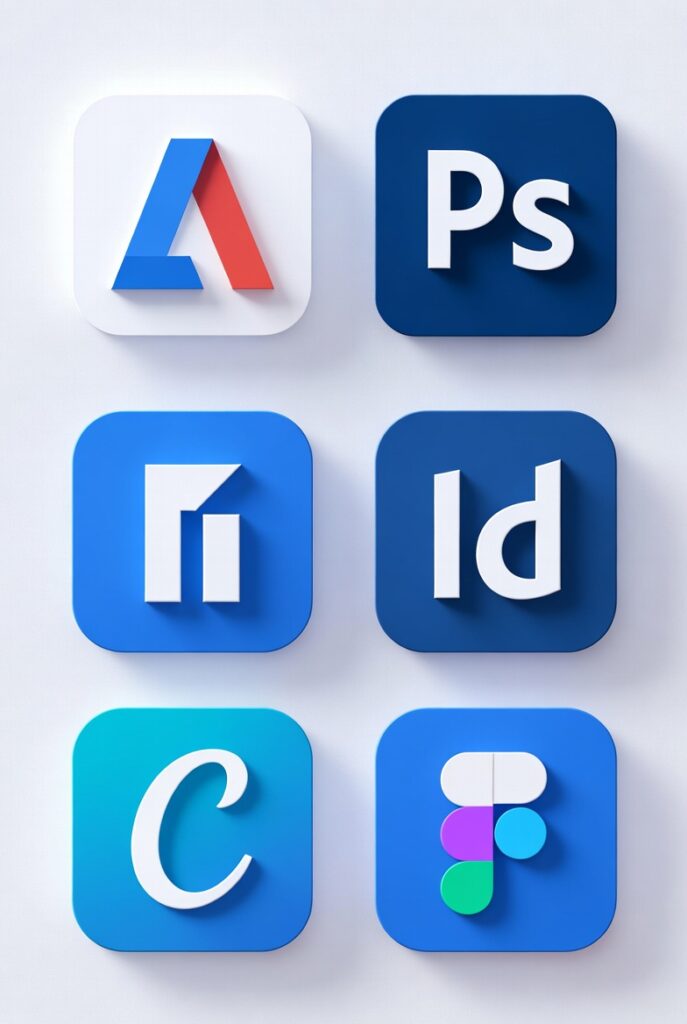
Here’s a clear overview of the main software tools covered across the top design courses online — and which ones you actually need to prioritize based on your direction.
| Software | Best For | Difficulty Level | Cost |
| Adobe Illustrator | Logos, vectors, print design | Intermediate | Paid (Adobe CC) |
| Adobe Photoshop | Photo editing, digital compositing | Intermediate | Paid (Adobe CC) |
| Adobe InDesign | Layouts, books, brochures, print | Intermediate | Paid (Adobe CC) |
| Canva | Social media, quick branded graphics | Beginner | Free / Pro plan |
| Figma | UI/UX design, web, app interfaces | Intermediate | Free / Paid |
| Affinity Designer | Professional alternative to Illustrator | Intermediate | One-time purchase |
My honest recommendation: if you’re starting from zero, Canva gets you creating meaningful work immediately. However, if you want to work professionally — whether freelancing or in-house — you’ll eventually need the Adobe Creative Cloud suite or Figma. Fortunately, most strong graphic design courses cover whichever tools align with your professional track.
What Can You Do After Completing a Graphic Design Course?
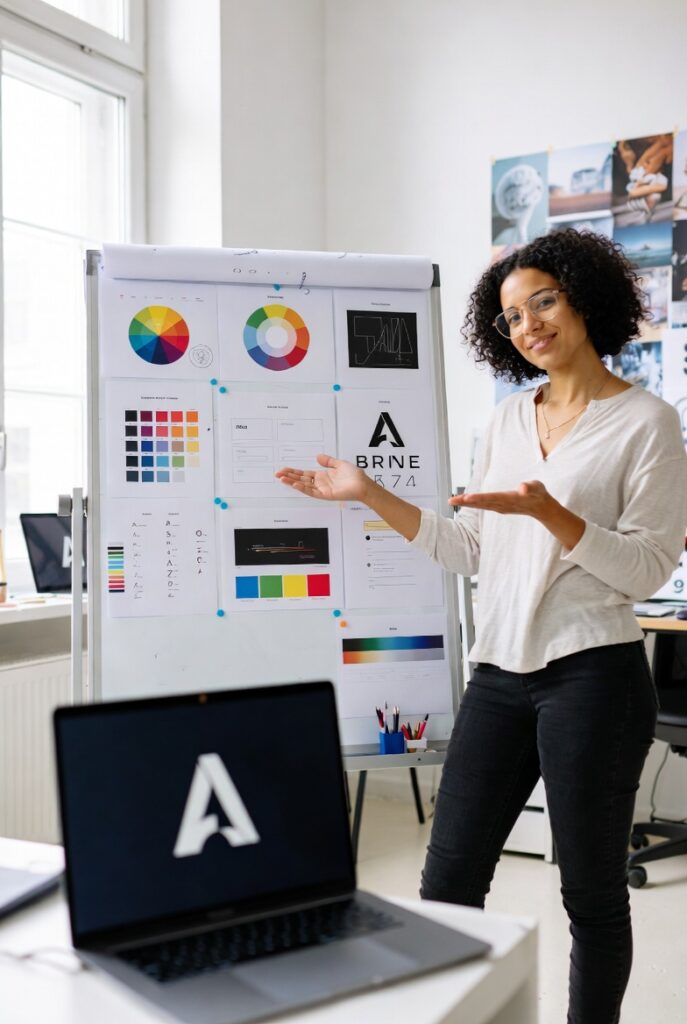
This is the question that actually matters most. A certificate is just paper. Here’s what genuinely changes in your professional life after you complete a solid course — based on what I’ve personally seen and experienced:
Start Freelancing — Even Quickly
Even after a single well-structured course, you can begin offering real services: logo design, social media graphics, pitch decks, brand kits, and presentation design. Platforms like Fiverr, Upwork, and 99designs are full of clients who need quality work that a trained beginner can absolutely deliver.
I’ve spoken with designers who landed their first paying client within two weeks of completing a course. The key ingredient wasn’t a prestigious certificate — it was having three solid, polished portfolio pieces to show.
Land an In-House Junior Design Role
If your goal is full-time employment, you’ll need a portfolio with 5–8 strong, diverse pieces and ideally a recognized certificate like Google’s or CalArts’. Most junior design roles today don’t require a formal degree. They require a portfolio that demonstrates you can think visually and solve real problems. That bar is absolutely reachable through online study.
Supercharge Your Marketing and Content Creation
Many content creators, social media managers, and marketing professionals take graphic design courses specifically to become self-sufficient with visuals. Instead of outsourcing every graphic or waiting for a designer, they handle it themselves. This accelerates production cycles and dramatically reduces costs.
Highly relevant: Social Media Marketing Courses — Top Picks— design and social media marketing skills are increasingly inseparable.
Run Your Business Visuals Independently
If you own a small business, even foundational design skills from a free course will let you create professional-quality materials without hiring an agency for every project. I’ve worked with several small business owners who went from zero design knowledge to fully managing their own brand visuals in 6–8 weeks of consistent study.
Also worth reading: Small Business Management Courses — What Actually Works— pairing design skills with business fundamentals is an exceptionally powerful combination.
Common Mistakes People Make When Choosing a Graphic Design Course
After observing hundreds of learners go through this process, here are the biggest, most predictable mistakes I see repeated constantly:
- Choosing based on price alone — A free course is not automatically the best option. A $30 course can be worth far more than a free one if the curriculum and instructor are strong.
- Skipping fundamentals to jump straight to software — You will hit a ceiling fast without design theory. Tools are amplifiers of skills, not replacements for them.
- Collecting certificates instead of building a portfolio — Your portfolio gets you hired or wins clients. Your certificate is a supporting signal, not the primary one.
- Starting multiple courses without finishing any — Most learners quit 30–40% of the way through. Commit to finishing one complete course before starting another.
- Ignoring the community features — Peer feedback and critique sessions are consistently the most transformative element of structured design education. Use them.
- Trying to learn too many software tools simultaneously — Pick one tool. Develop real fluency with it. Then expand your toolkit from a position of confidence.
💡 The most common trap I see: buying five courses during a sale and finishing none of them. Finish one. Ship three real projects from it. Then and only then, move to the next course.
Graphic Design Course Checklist: What to Do Before, During, and After
Before You Enroll
- Define your specific goal: freelance, career change, business visuals, or personal creative development
- Set a realistic weekly time commitment — 5–10 hours minimum for meaningful progress
- Choose ONE course to start with and commit to finishing it completely
- Set up your workspace: design-capable laptop, software access, and a dedicated project folder
During the Course
- Take notes on design principles, not just software steps
- Complete every assigned project, even if it feels too simple
- Join the course community actively and share your work for feedback
- Re-do projects using your own creative concepts once you’ve completed the assigned version
- Save every piece of work — even rough ones — to build your portfolio bank
After Completing the Course
- Curate your 3–5 strongest pieces into a portfolio on Behance or a personal site
- Apply your skills to a real project immediately — even volunteer or self-initiated work counts
- Apply to 2–3 freelance opportunities or entry-level roles within the first month
- Identify your next skill gap and choose your next course with that specific gap in mind
Study Graphic Design Online: A 12-Week Learning Roadmap
For anyone who wants a clear, structured plan to study graphic design online from zero experience, here’s the exact roadmap I would use if I were starting today:
| Week | Focus Area | Course / Resource | Project Deliverable |
| 1–2 | Design Fundamentals | Canva Design School (free) | 3 social media graphics |
| 3–4 | Color Theory & Typography | CalArts on Coursera — Module 1 | Color palette presentation |
| 5–6 | Layout & Composition | CalArts on Coursera — Module 2 | Magazine spread mockup |
| 7–8 | Adobe Illustrator Basics | LinkedIn Learning / Adobe Learn | Logo design project |
| 9–10 | Branding & Identity | Skillshare branding course | Complete brand identity kit |
| 11–12 | Portfolio Building & Launch | Behance / personal website | 3-piece portfolio, live online |
Also relevant: Top 7 AI Skills for 2026 — Programming, MLOps, and Generative AI— AI-assisted design tools are evolving rapidly. Understanding what’s coming helps you plan your learning strategically.
Recommended Tools and Resources to Supplement Your Design Education
Beyond courses, here are the specific resources I actually use and consistently recommend to designers at every level:
Design Inspiration Sources
- Behance — The best place to see real professional work across every design discipline
- Dribbble — Excellent for UI, brand identity, and illustration inspiration
- Pinterest — Build your own curated reference boards for ongoing projects
- Awwwards — Best-in-class web design inspiration
Free Design Assets and Resources
- Unsplash and Pexels — High-quality, completely free photography
- Google Fonts — Over 1,000 free professional-grade typefaces
- Coolors — Fast, intuitive color palette generator
- Freepik and Vecteezy — Free vectors, graphics, and design elements
Design Communities Worth Joining
- Designer Hangout on Slack — One of the most active professional design communities online
- r/graphic_design on Reddit — Great for honest critique and practical career advice
- The Futur on YouTube — Business and design education combined, genuinely high quality
Also check out: ChatGPT Prompt Engineering Guide— AI prompt engineering is becoming a valuable skill for designers working with AI-assisted creative tools.
Frequently Asked Questions About Graphic Design Courses Online
Q1: Can I learn graphic design online for free?
Absolutely. Canva Design School, Alison, Coursera’s audit mode, and YouTube channels like The Futur and Satori Graphics all offer genuinely excellent free graphic design courses. You can build solid fundamentals and develop a real portfolio without spending anything. However, if you want an industry-recognized certificate and structured mentorship, paid options deliver significantly more value at that level.
Q2: How long does it take to complete an online graphic design course?
It depends entirely on the course. Short classes on Skillshare or Canva take anywhere from a few hours to a few days. Structured programs like CalArts or Google’s certificate typically run 4–6 months at 5–10 hours per week. From my experience, the real learning accelerates when you apply course content to actual projects rather than just watching lessons passively.
Q3: Is an Adobe graphic design course better than a general design course?
Both serve very different purposes. An Adobe course teaches you powerful industry-standard software tools. A general design course teaches you design thinking, visual principles, and strategic communication. Ideally, you need both. My recommendation: start with design fundamentals, then invest in Adobe or Figma training once you understand what you’re actually trying to build.
Q4: Is a Google graphic design certificate worth it?
Google doesn’t currently offer a standalone graphic design certificate — their primary design-related credential is the UX Design Certificate on Coursera. That said, Google’s design courses are among the most credible, career-relevant, and well-structured available. For anyone targeting digital design or UX as a career path, the Google certificate is absolutely a worthwhile pursuit.
Q5: Do I need a degree to become a professional graphic designer?
No — and I say that with real confidence. Many of the most successful working designers I know don’t have formal degrees. What the industry actually evaluates is a strong portfolio, demonstrated skills, and the ability to articulate your design decisions clearly. A combination of online courses, personal projects, and real client work is entirely sufficient to build a design career. I’ve watched people go from zero experience to full-time freelance work in under a year through online study alone.
Q6: What’s the best free graphic design course for complete beginners?
I consistently recommend Canva Design School as the very first stop for anyone starting from scratch. It’s free, practical, visually engaging, and teaches genuine design principles alongside the tool itself. After completing it, move to Alison’s free diploma program or audit CalArts on Coursera for deeper design theory and broader visual education.
Q7: Can completing a graphic design course help me get a job?
Yes — but only if you pair it with a strong portfolio. Your certificate tells an employer you finished a course. Your portfolio tells them you can actually design. Focus on building 5–8 diverse, polished portfolio pieces during and after your course. That combination of credential plus demonstrated work is what genuinely opens doors.
Final Thoughts: Which Graphic Design Course Should You Take?
Here’s my honest bottom line after years of exploring, testing, and recommending design education: there has never been a better time to learn graphic design online. The tools are more accessible, the courses are more practical, and demand for design skills across every industry is higher than ever.
Whether you want to freelance, land a design role, build your business visuals, or simply create things that look great — the path is right in front of you. Here’s my specific recommendation based on where you are right now:
- Complete beginner: Canva Design School (free) followed by CalArts on Coursera
- Career changer: CalArts Specialization plus LinkedIn Learning’s Adobe courses
- Freelancer building skills: Skillshare subscription paired with real portfolio projects
- Business owner: Canva Pro plus Canva Design School plus one Adobe basics course
Stop waiting for the perfect graphic design course to appear. The best course is the one you actually finish. Pick one from this list, commit to it fully, and build something real.
Also worth reading before you start:AI Courses for Beginners — Where to Start in 2026— understanding AI tools alongside design skills is one of the most powerful career combinations you can build right now.